Ingest Air app icon

Read the whole book.
On any device you own.

Ingest Air turns a PDF, EPUB or MOBI into a genuinely in-depth summary — chapter by chapter — then lets you ask it questions. Powered by Apple Intelligence, entirely on your device.

Download on the App Store Coming soon

Requires a device that supports Apple Intelligence, with it turned on. iOS 26 or later, or macOS 26 or later.
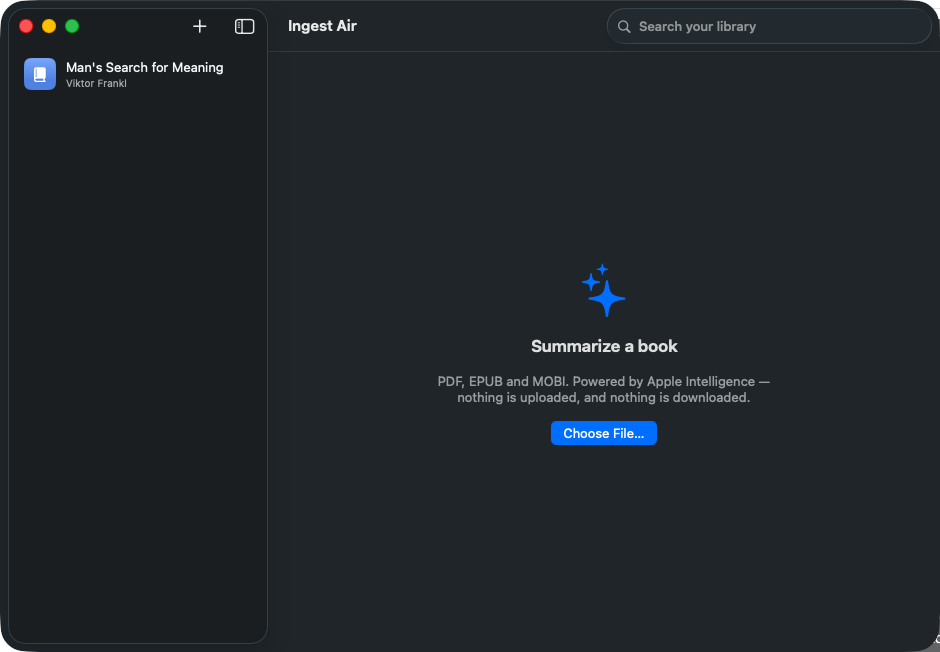
Ingest Air showing a chapter-by-chapter summary of Man's Search for Meaning, with a synopsis and themes

Your books never leave your device

Every summary and every answer is produced by Apple Intelligence running on your own hardware. There is no account, no server, and no analytics.

Ingest Air is built without the network entitlement, so the app is not permitted to make a network request of any kind — not for your documents, not for telemetry, not for anything. Nothing is uploaded and nothing is downloaded, and that is enforced by the operating system rather than promised by us.

Not a three-sentence blurb

Ingest Air reads a book in chapter-sized pieces, then builds a structured summary you can actually navigate.

Chapter-by-chapter depth

A full synopsis, per-chapter breakdowns, recurring themes, key takeaways and notable quotes — not a paragraph that could have been guessed from the cover.

Ask the book

Ask anything and get an answer grounded in the actual text, with the chapters it drew from shown beneath — so you can check it rather than trust it.

Search everything you've read

One search box across your whole library, matching against the summaries and showing you the chapter each result came from.

Scanned pages too

If a PDF is a scan with no text layer, Ingest Air offers to run text recognition on it first, so old books and papers still work.

Picks up where it stopped

Finished sections are saved as it goes. Close the app mid-way through a long book and it resumes rather than starting over.

Share a summary anywhere

Send a finished summary through the standard share sheet — Notes, Mail, Messages, or anywhere else you keep your reading.

How it works

Three steps, then it gets out of your way.

Add a book

Pick a PDF, EPUB or MOBI file. Ingest Air reads its chapter structure rather than treating it as one wall of text.

It reads the whole thing

Each section is summarized in turn, then combined into one coherent synopsis. Progress is shown honestly, section by section.

Read, search, or ask

Browse the summary, search your library, or switch to Ask and question the book directly.

What you'll need

Ingest Air uses Apple's own on-device model, so it runs wherever Apple Intelligence does.

iPhone
iPhone 15 Pro, iPhone 15 Pro Max, or any iPhone 16 or later, running iOS 26 or later.
iPad
Any iPad with an A17 Pro or M-series chip, running iPadOS 26 or later.
Mac
Any Mac with Apple silicon, running macOS 26 or later.
Also
Apple Intelligence must be turned on in Settings, and your device language must be one it supports. Ingest Air tells you plainly if it isn't available rather than failing silently.
Formats
PDF, EPUB, and MOBI. Scanned PDFs are supported through on-device text recognition.

Want a bigger model?

Ingest is the sibling app for Mac. It runs larger open-weight language models locally — slower and heavier, but more capable on long or difficult books. It is a separate download, not on the App Store.

Take a look at Ingest for Mac →